
Keyword Blog: Generate SEO Content from Keywords
Последнее обновление:7/27/2026
Creating a full, optimized article takes only a keyword. You’ll type a topic, let the AI recommend a headline, and watch SEONIB build a ready-to-publish blog post.
On this page
- 1. Entering a Topic and Getting AI Suggestions
- 2. Selecting a Recommended Headline
- 3. Generating the Full Blog Post
- 4. Reviewing the Finished Article
1.Entering a Topic and Getting AI Suggestions
Start from your SEONIB dashboard. The “Keyword Blog” button is your entry point for creating content from a single topic.

Click “Keyword Blog” to open the topic entry screen.
1.1Typing your target keyword

The keyword field where you enter your main topic.
Click the input field and type the word or phrase you want to rank for—here we used “SEONIB.” Keep it focused; broad terms will still work, but a specific keyword helps the AI generate sharper outlines.

Enter “SEONIB” and prepare to fetch AI recommendations.
2.Selecting a Recommended Headline
Instead of brainstorming titles yourself, press “AI Recommend.” SEONIB will propose several SEO-friendly headlines based on your keyword.
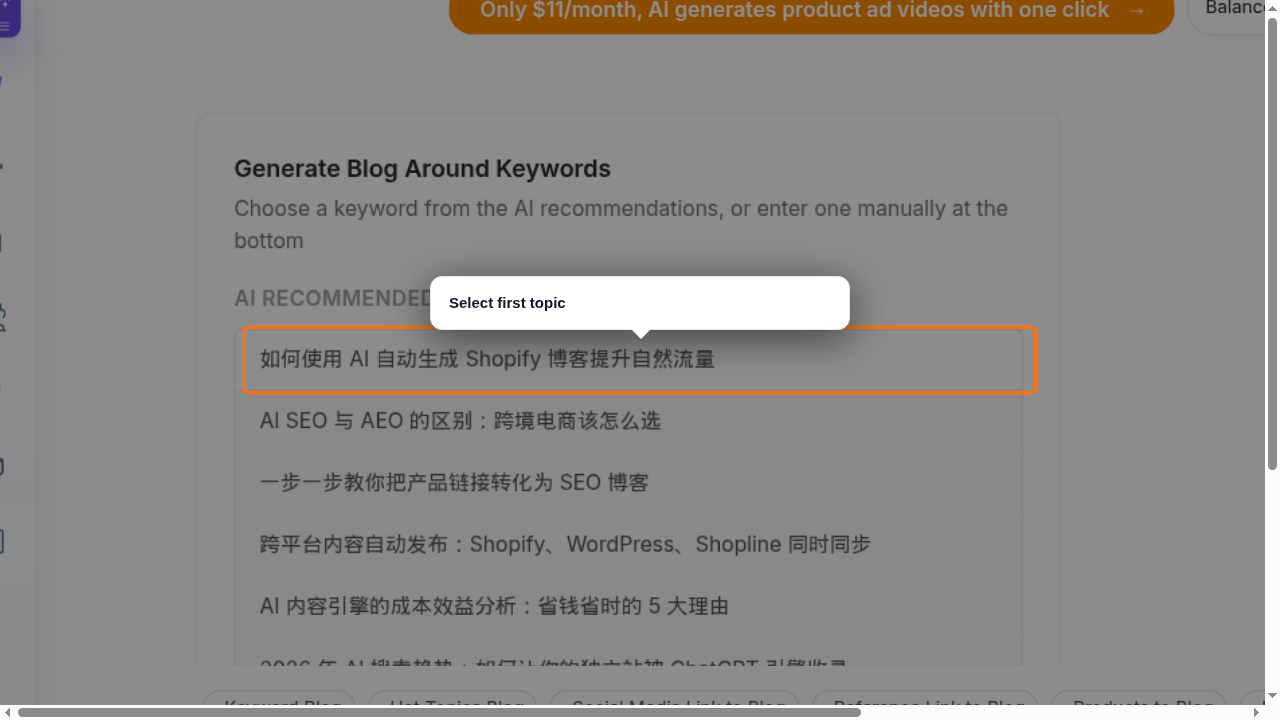
Click “AI Recommend” and scan the suggested headlines.
The list ranks titles by relevance. Browse the options and pick the first one—or any that fits your angle. Selecting it locks in the topic and prepares the outline step.
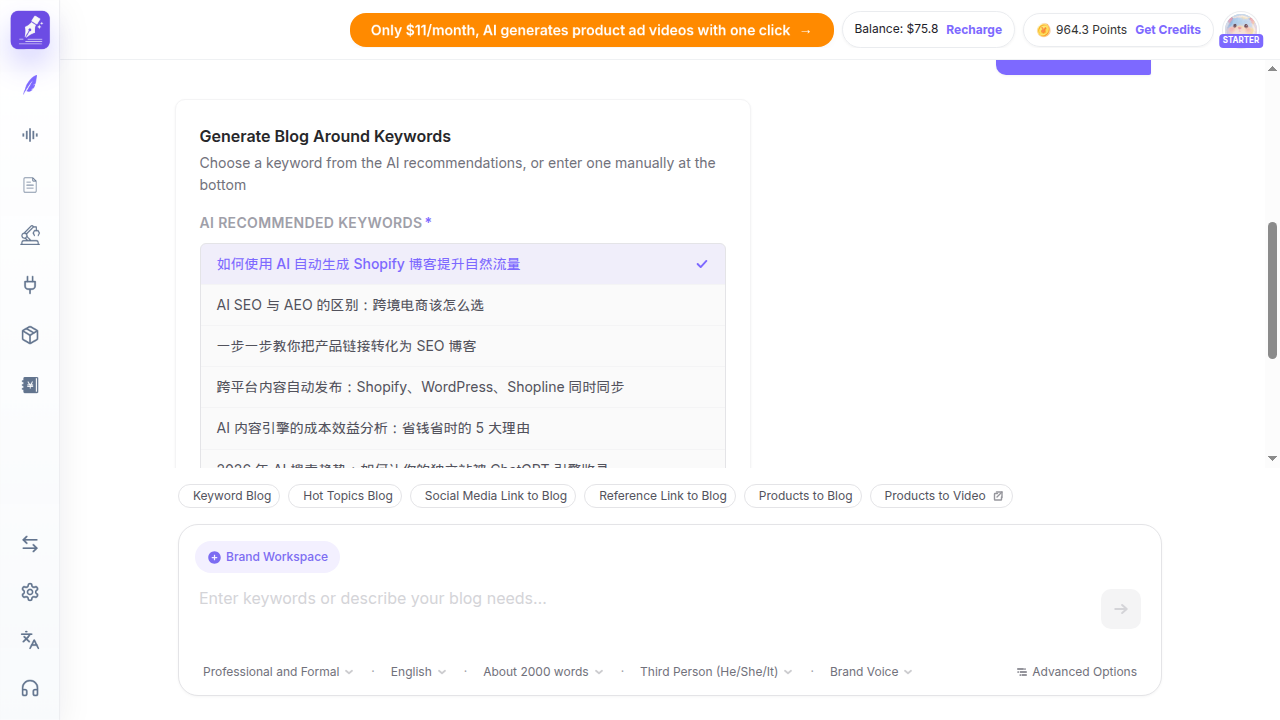
After choosing a headline, the “Next” button activates.
2.1Moving to the generation stage
Click “Next” to review the generated outline or skip directly to article creation. The platform will present a summary of your selected topic before you commit.
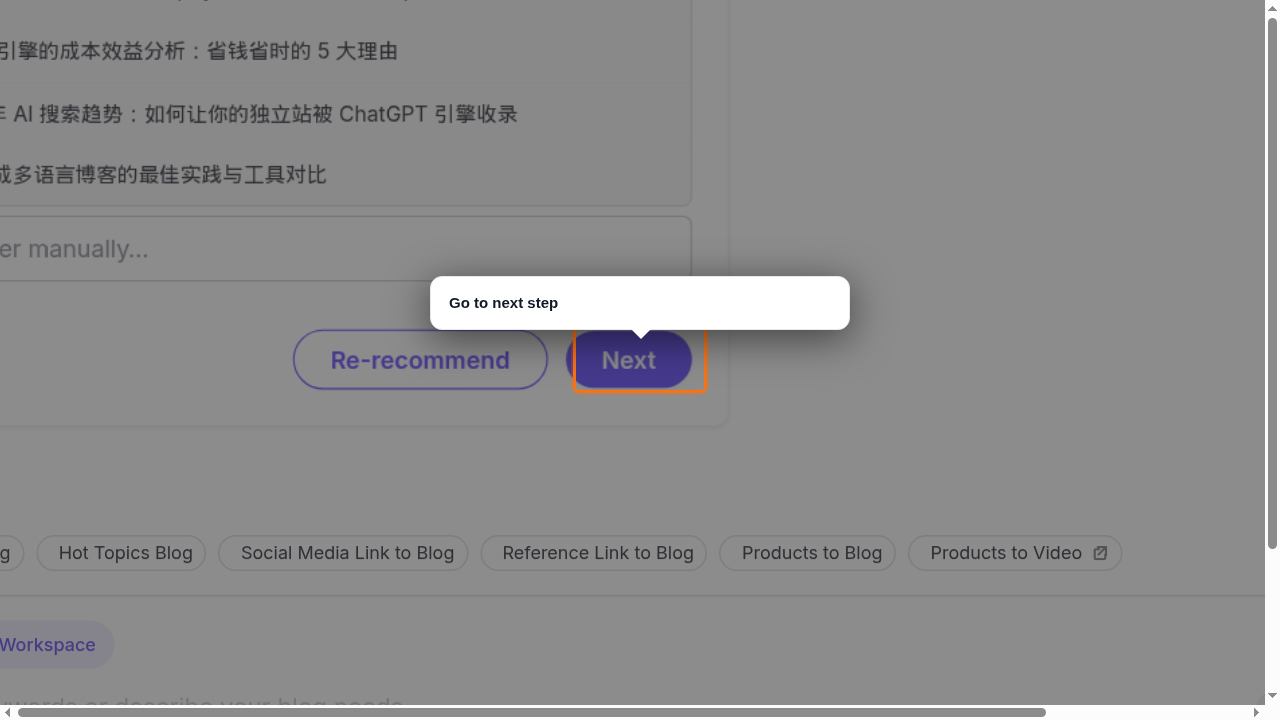
Press “Next” to proceed to the generation controls.
3.Generating the Full Blog Post
The final step before writing is the “Start Now” command. This triggers the AI engine to build a complete article—headings, body text, and meta data.
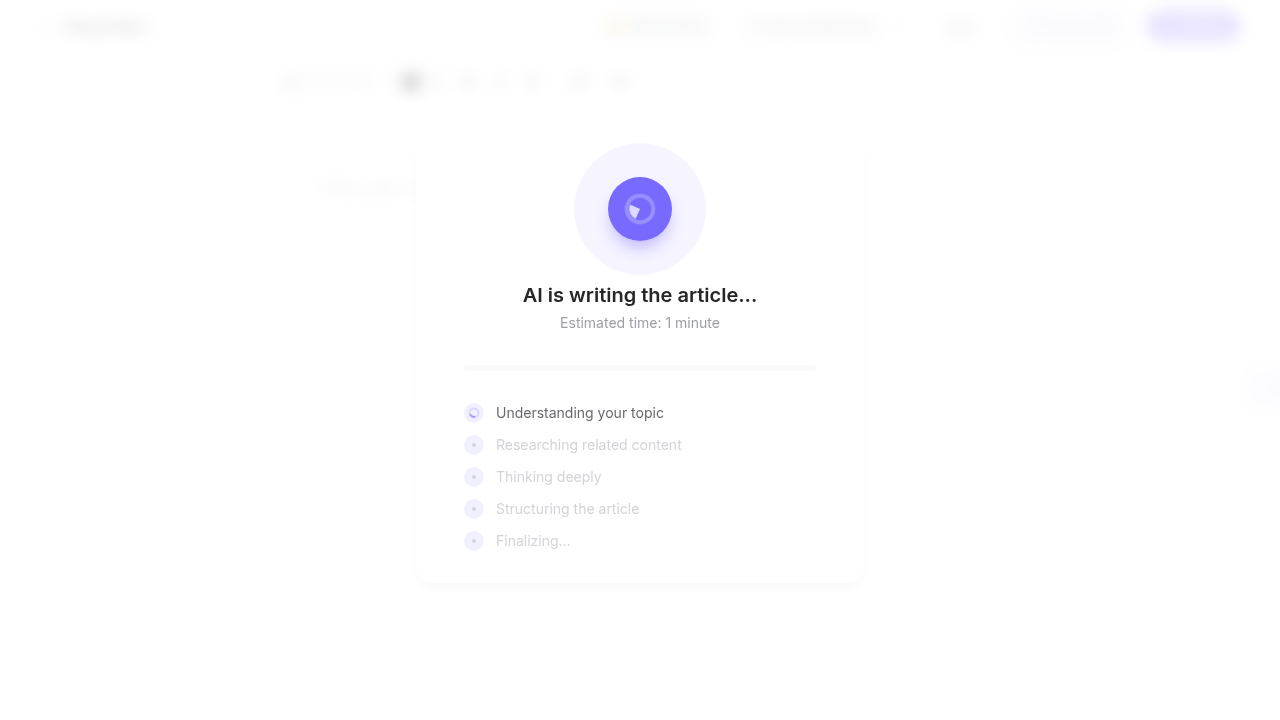
Click “Start Now” to begin the writing process.
A progress loader appears while the AI researches and composes. This can take a moment—longer articles need more processing time—so keep the tab open and let it work.
Practical Tips
- →Keep the keyword field specific—long-tail phrases like “SEONIB AI blog generator” often return more niche, ready‑to‑rank headlines.
- →If the first headline doesn’t fit your brand voice, scroll further; the AI offers multiple angles you can choose before clicking Next.
- →Once generation starts, avoid refreshing the page. For more details on dashboard features, visit the SEONIB dashboard.
4.Reviewing the Finished Article
When the loader disappears, your blog post is live in the editor. Scroll through to check formatting, headers, and image placement.
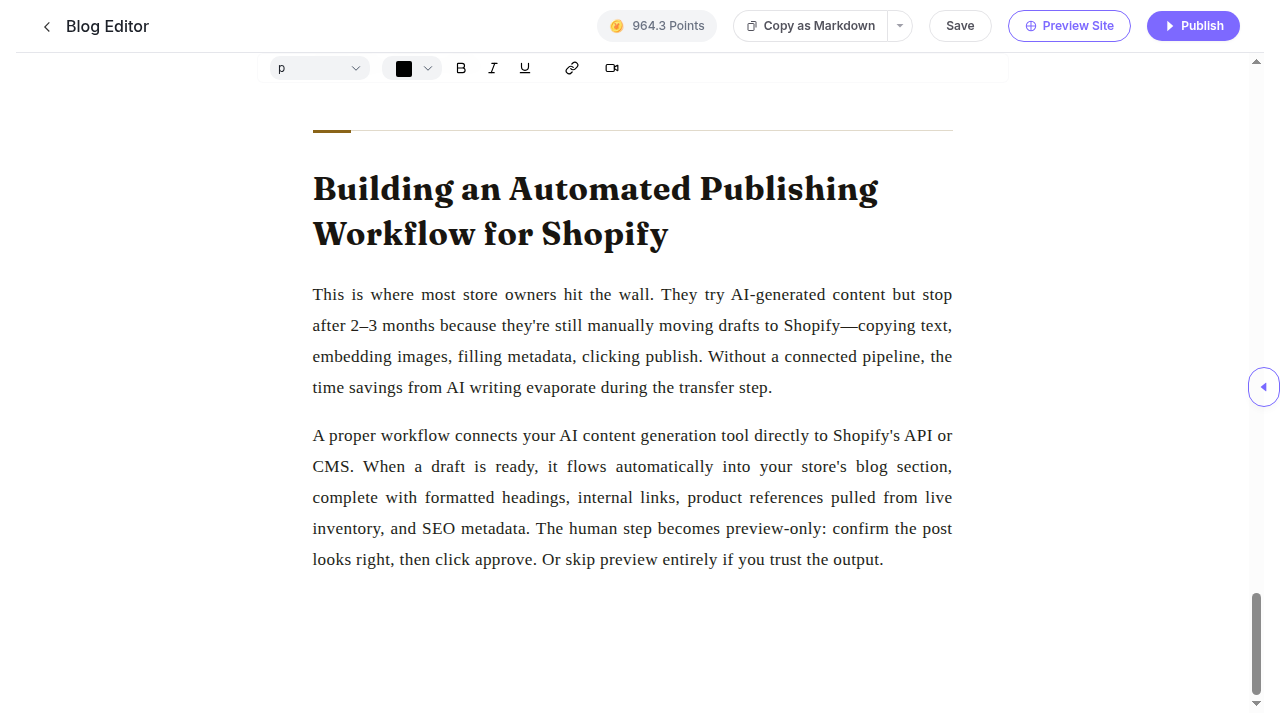
The completed article, ready for a final review.
Slowly drag through the content to ensure subheadings make sense and keywords appear naturally. The editor supports light touch-ups before you publish.
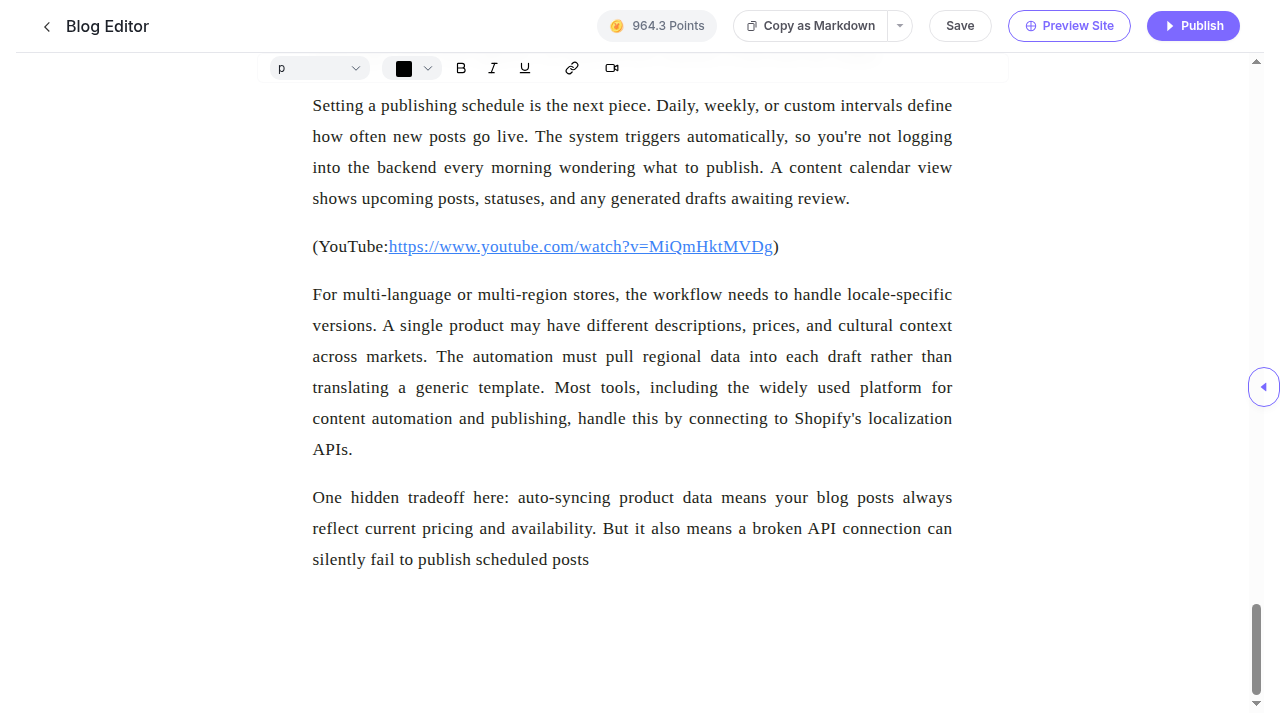
Finish scrolling to confirm the post’s structure and length.
What you accomplished
You entered a keyword, picked an AI‑recommended headline, and let SEONIB generate a complete, scroll‑ready blog post. Next, edit the draft directly in your SEONIB dashboard or export it to your CMS.