Cross‑Border E‑Commerce SEO Tool Practice: From Keyword Mining to Automated Content Workflow
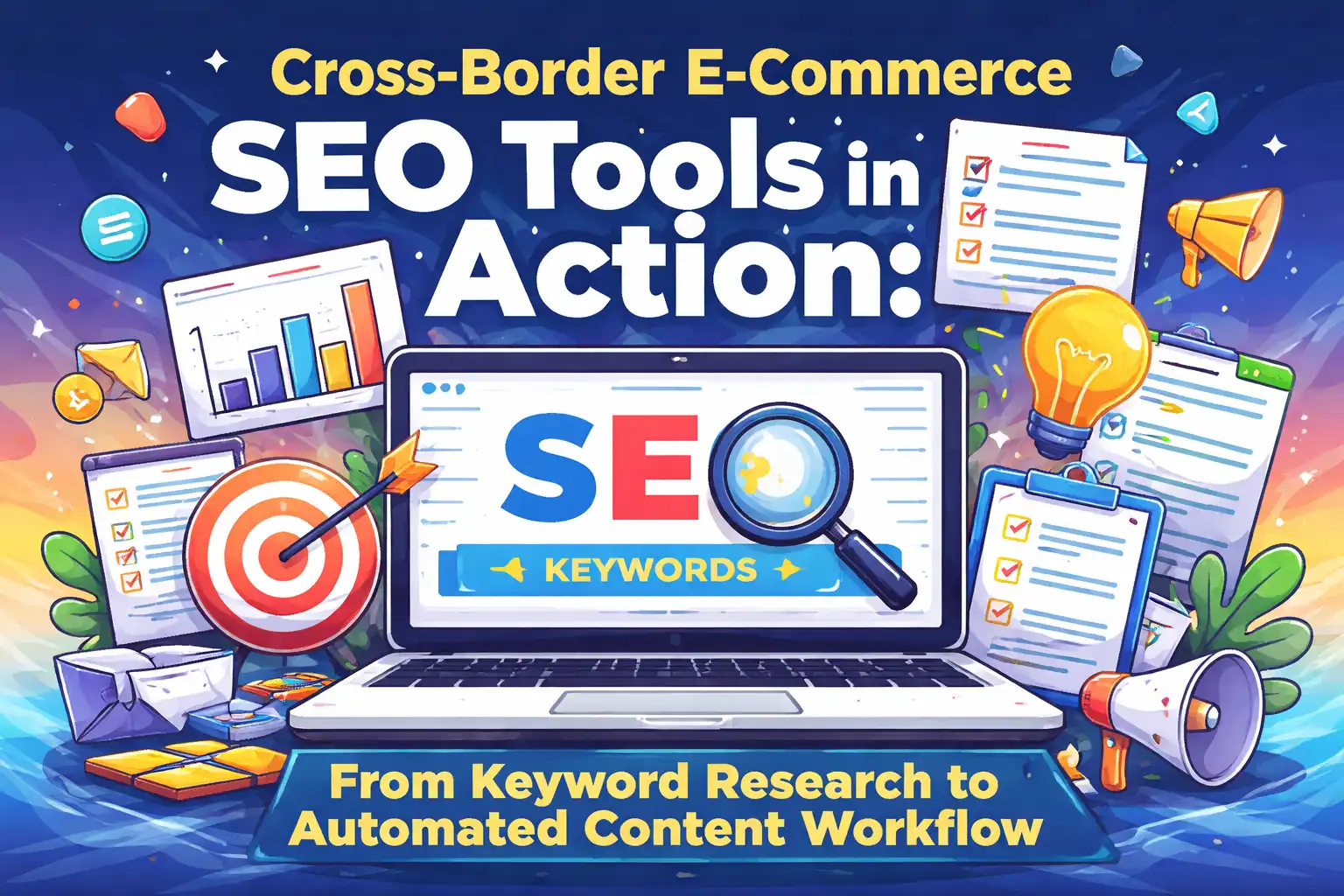
Anyone who runs an independent site will probably agree: you open four or five tabs every day, use Keyword Tool for long‑tail terms, switch to Ahrefs for search volume, then check Google Keyword Planner, write content, adjust structure with Surfer SEO, and finally log into the backend to publish manually. Each step has its own dedicated tool, but the tools don’t talk to each other, and repeated manual operations fragment your time. This article breaks down the actual tool combinations by workflow stage and then discusses how to automate the whole chain.
Keyword Research Tools: Mining High‑Value Long‑Tail Terms
Keyword tools fall into three categories: mining, research, and analysis. Mining tools help you discover more terms, research tools assess their commercial value, and analysis tools examine competitor coverage. In most cases, 90 % of traffic comes from the combined use of the first three tools; you don’t need to subscribe to all of them.
Keyword Tool is a lightweight long‑tail mining tool that supports Google, YouTube, and Amazon autocomplete data. No login is required to fetch a large number of natural‑language queries. When planning topics, enter a core term and bulk‑export a list of long‑tail keywords as the raw word bank for content planning. This method has been used many times in real projects; a colleague shared his experience that building search traffic by writing blogs was achieved step by step this way.
Ahrefs shines in search volume and KD (keyword difficulty) evaluation. After obtaining a list from Keyword Tool, filter in Ahrefs for terms with 500‑2000 searches and KD < 30. These keywords usually have low competition and are suitable for quick rankings on independent sites. Its Content Gap feature is also handy—enter your domain and a few competitors to instantly see keywords they rank for that you don’t, saving you from manually crawling SERPs.
Google Keyword Planner is the official data source, offering the most reliable search volume and CPC figures. For commercial terms, using Planner is safer, especially for shopping ads or product page optimization, because Google’s data reflects the real bidding environment better than third‑party tools. LowFruits.io specifically analyzes the weight of the top‑10 SERP sites, helping you judge which keywords lack a strong homepage presence and are suitable for a cold‑start phase.
Entities: Keyword Tool, Ahrefs, Google Keyword Planner, Content Gap, LowFruits.io
Data points: Keyword Tool supports autocomplete for Google, YouTube, and Amazon
Content Optimization and Semantic Structuring Tools
Finishing the content doesn’t mean the job is done; the structure, semantic clarity, and coverage of users’ real questions directly affect how search engines understand your page. After 2025, the rise of AI search changed content‑optimization logic—plain keyword stuffing no longer works.
Surfer SEO core function is to compare the top‑20 SERP pages for word frequency, word count, and H‑tag distribution. Before writing a 2,000‑word article, run Surfer on current ranking pages to get average word count, most frequent entity terms, and paragraph length, then use that as a content skeleton. This step prevents your article from deviating too much from competitors’ structures. AITDK is handy for Chinese semantic expansion, free, fully supports Chinese, and can detect missing H1 tags and duplicate canonical tags—details often overlooked when revising independent‑site content.
Frase.io can directly scrape SERP snippets to generate a writing outline, ideal for quickly benchmarking popular articles. For Q&A‑style content optimization, combine AnswerThePublic and AlsoAsked; they uncover real user questions typed into the search box, which can be turned into FAQ or PAA sections.
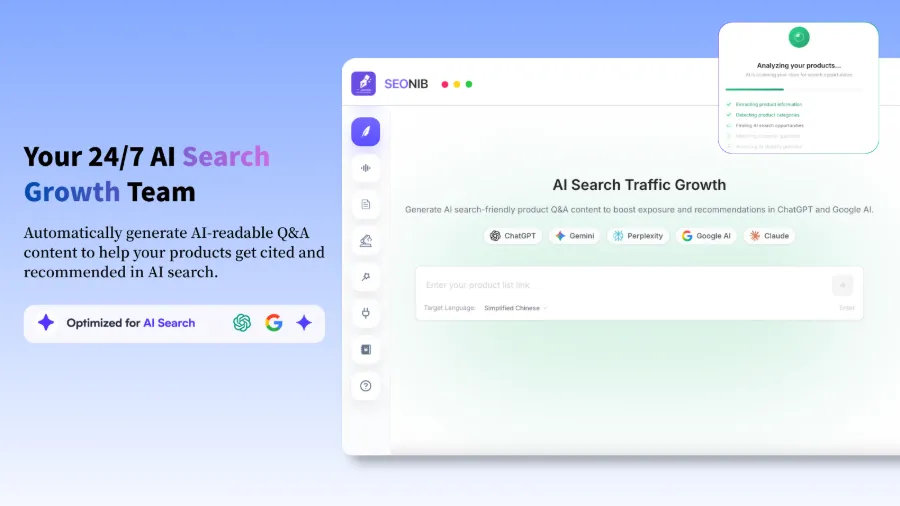
At this stage, a concept called AEO (AI Engine Optimization) is introduced. Traditional SEO targets Google search rankings; AEO targets direct citations in AI search results. When ChatGPT or Perplexity cites your content as an answer, the traffic acquisition logic changes completely. A well‑structured, comprehensively answered article is more likely to be selected by AI search. If you want higher weight in AI search results, see the article on making ChatGPT value your site, which emphasizes the importance of structured content.
Entities: Surfer SEO, AITDK, Frase.io, AnswerThePublic, AlsoAsked
Data points: Surfer SEO can compare word frequency and word‑count recommendations against the top‑20 ranking pages
Technical SEO Audits: Detecting Indexing and Performance Issues
Great content can’t rank if the technical structure is broken. These tools are used less frequently than keyword or content tools, but each full‑site audit uncovers a batch of hidden problems—404 pages, redirect chains, missing meta tags, or misconfigured canonicals. Early 2025, a team that skipped regular technical audits suddenly lost 30 % of traffic because duplicate content had been indexed for two months.
Screaming Frog is a site‑wide crawler that can fetch thousands of URLs in one run, outputting status codes, title tags, meta descriptions, and internal link structures for every page. For medium‑to‑large independent sites, a monthly crawl is a baseline operation. Don’t run it with default settings—limit crawl speed to avoid triggering server anti‑scraping measures. After crawling, focus on 4xx pages and the length of 3xx redirect chains; chains longer than three hops are unfriendly to crawlers and waste crawl budget.
Sitebulb offers visual reports that are ideal for presenting audit results to teams or clients. Issue priority tags are clear, ordered from high to low, making the remediation order obvious. Small sites can use online tools like Seobility or SEO Diagnosis; they generate a PDF report within half an hour covering the main health checks.
For front‑end performance, Google PageSpeed Insights is the official scoring tool; the three Core Web Vitals—LCP, FID (now INP), and CLS—directly affect rankings. GTmetrix drills deeper into loading bottlenecks such as JS blocking, oversized images, or uncompressed resources. There’s a rule of thumb for ROI: fixing the three most time‑consuming resources usually resolves about 80 % of loading delays.
Entities: Screaming Frog, Sitebulb, Google PageSpeed Insights, GTmetrix
Data points: Screaming Frog can crawl thousands of URLs in one go, detecting 404s, redirects, etc.
Data Tracking and Automated Content Workflow
SEO ultimately speaks through data. Google Search Console is essential for monitoring index status and search performance—identifying terms with impressions but no clicks, pages with low CTR, etc., which directly guide the next optimization steps. GA4 continues the analysis after users land on the site, tracking bounce rates, conversion paths, and dwell time. Looker Studio can combine GSC, GA4, and ad data into a single report, suitable for automated weekly or monthly summaries without manual screenshot stitching.
However, data tracking doesn’t solve the core pain point of content production: manual processes are too slow. A typical manual publishing workflow looks like this—morning: browse industry news; noon: finalize topics; afternoon: generate drafts with ChatGPT; then manually add images, format, fill SEO metadata, and finally log into the backend to publish. This repeats daily, and few teams can sustain it beyond three weeks. Inconsistent content cadence leads to unstable traffic growth.
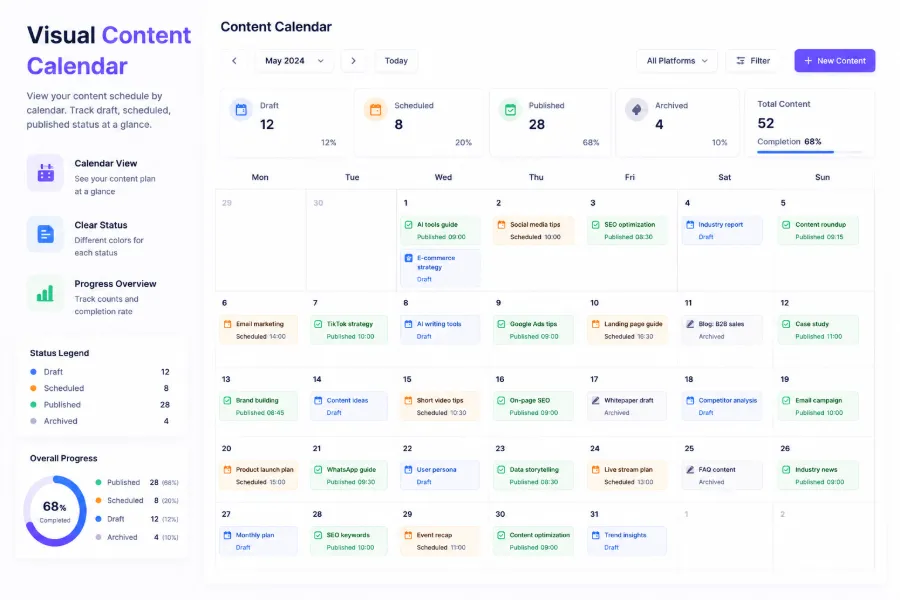
This is where automation tools come in. SEONIB aims to connect the entire content production chain—from trend discovery to draft generation to scheduled publishing—reducing human intervention. In practice, setting up an automated content pipeline requires only a few steps: define keyword sources or industry topics, choose publishing frequency (daily updates are recommended), link to the independent‑site backend or e‑commerce platform, and let the system handle generation, formatting, scheduling, and publishing automatically. Content update frequency jumps from 2‑3 pieces per week to one per day, with a drastic reduction in manual effort.
Can automation guarantee article quality? A 2025 case warns against it: a team relied entirely on AI for automatic publishing, churned out massive content for three months without any deduplication or quality checks, and Google’s algorithm penalized the site for duplicate content, dropping organic traffic by about 60 %. This lesson shows that automation cannot replace strategic human judgment—quality thresholds and rules (similarity checks, source citation policies, pre‑publish sampling) must be preset within the automated workflow.
For multi‑platform synchronization, SEONIB supports automatic pushes to Shopify, WordPress, SHOPLINE, Medium, etc. After a piece is generated, there’s no need to log into each backend separately; the system syncs according to preset rules. For teams managing multiple sites, this saves considerable time—no daily switching between backends and no worries about inconsistent formatting.
The post‑automation trend isn’t about more tools, but about reducing manual overhead caused by tool switching. In 2026, content operations logic is no longer “which tool is better,” but “how to make tools no longer isolated.” If you’re interested in detailed configuration, check the guide that covers the full setup from keyword configuration to multi‑platform publishing.
Entities: Google Search Console, GA4, Looker Studio, SEONIB
Data points: After automation, content update frequency can increase to once daily without manual intervention
FAQ
Q1: Which keyword research tool is best for beginners?
Start with Keyword Tool. It provides a large list of long‑tail terms without requiring a login, has a low learning curve, and helps you understand the structure and distribution of long‑tail keywords. When you need to evaluate search volume and difficulty, bring in Ahrefs or Google Keyword Planner. Buying too many tools at once is useless—run the process with free or low‑cost tools first, then decide on paid upgrades based on bottlenecks.
Q2: What does AEO mean in content‑optimization tools?
AEO stands for AI Engine Optimization, which focuses on structuring content for AI search engines. Traditional SEO aims for high rankings in Google SERPs; AEO aims for direct citation in AI search (e.g., ChatGPT, Perplexity, Bing Copilot) when they answer user queries. Implementing AEO requires FAQ sections, structured data, and comprehensive entity coverage.
Q3: How often should a technical SEO audit be performed?
Medium‑to‑large independent sites should audit monthly; small sites can audit quarterly. Technical issues usually accumulate gradually—deleted pages without 301 redirects, new features causing missing meta tags, etc.—and a monthly audit catches them promptly. For very small sites, a quarterly full scan plus weekly GSC coverage reports is sufficient.
Q4: Can content‑automation tools guarantee article quality?
No. Automation excels at speed and formatting standardization but lacks understanding of brand voice, industry terminology, and current trends. A good practice is to set quality thresholds—e.g., flag content with >70 % similarity for review, and conduct weekly manual spot‑checks of five published pieces. Automation solves “continuous production”; content quality still needs a human safety net.
Q5: Do small independent sites need to use all types of tools?
No. Small sites should prioritize keyword research, data tracking, and simple technical audits. Keyword tools: Keyword Tool + Google Keyword Planner are enough; data tracking: GSC + GA4; technical audit: Seobility for quarterly scans. Content‑optimization and automation tools can be considered later when traffic stabilizes and content cost becomes a bottleneck. Configure tools based on solving the most painful current problem.
Share Article