I Became an SEO Director, Managing Six Unpaid AI Agents

Every day I open my browser and 20 tabs pile up like dominoes—Google Search Console, Ahrefs, Semrush, ChatGPT, and three client sites. I only want to check one keyword, but I end up in a “copy‑paste‑wait‑copy again” loop. One person doing the work of six roles feels exhausted like a dog. Until one day I built an AI agent team with n8n, letting robots do the grunt work so I could finally have a cup of coffee. Today I’ll talk about how this “one director with six specialists” architecture actually runs.
From “Lone Warrior” to “AI Director” – The Evolution of My SEO Workflow
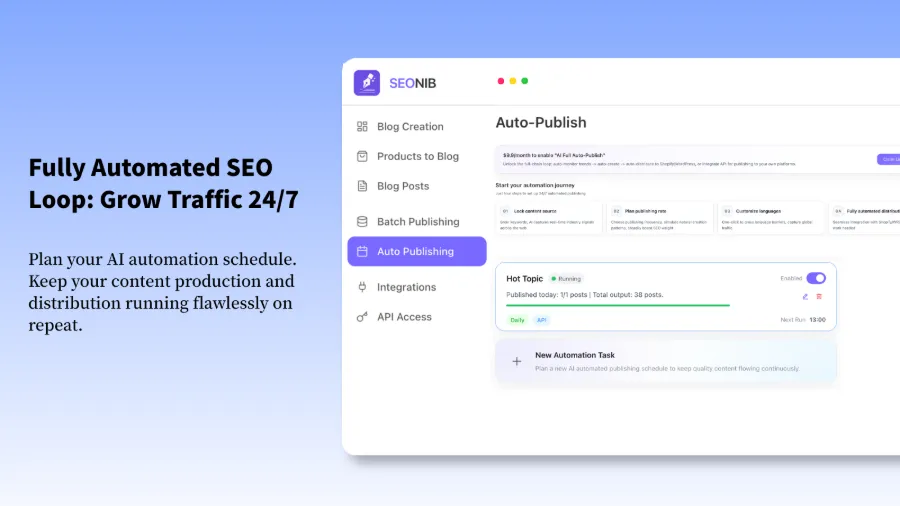
In the past, SEO was essentially manual labor. I did keyword research, content audits, and outreach emails all by hand. I was both director and intern, exhausted like a dog. Later, at Rank Expand Academy I discovered an n8n template called “SEO Strategy Director.” The logic is simple: a director Agent oversees six specialist Agents—keyword, technical, content, link building, competitor, and analytics. The template uses multi‑step prompts and modality selection—each Agent can independently pick a model, like GPT‑4.1, and even be debugged separately. This completely changed how I work.
Breaking Down the Six SEO Agents: Who Does What, Who Slacks the Most
- Keyword Researcher – clusters keywords, not just mining them but grouping by search intent, turning hundreds of terms into a few major topics.
- Technical SEO Agent – like a Virgo, constantly crawling pages for errors—missing structured data, Core Web Vitals alerts, crawler errors.
- Content Strategist – plans authoritative topics and turns keywords into rank‑able blog posts. See the Keyword Blog Writing Guide for how to turn planned keywords directly into content.
- Link‑Building Strategist – finds opportunities, but I strongly recommend keeping human review for this part.
- Competitor Analyst – monitors rivals’ moves.
- Data Analyst – performs anomaly detection—e.g., sudden traffic drops that aren’t noticed until the next day.
Blueprint for Getting the Agent Team Running: Input, Branching, Aggregation
The overall logic is simple: input a URL or keyword, the director Agent receives the task and distributes it to the six Agents. Each Agent works independently, then their results are aggregated back to the director, which finally produces a comprehensive report. I hit a big pitfall early on: the director Agent’s prompt was too generic, so all six Agents kept suggesting “improve site speed,” a one‑size‑fits‑all advice that wasted time and API costs. Refining each Agent’s system prompt made it work—technical agents focus on structured data and indexing issues, content agents focus on keyword coverage and topic depth. For how to automate result implementation, see the AI Agent Auto‑Publish Guide.
From Strategy to Publication: Turning AI Agent Recommendations into Real Rankings
Agents deliver strategies—keyword lists, technical fixes, link‑building targets—but strategies alone don’t generate rankings. They must be turned into content. Here we need to automatically generate SEO‑optimized blog posts from the agents’ conclusions and publish them. SEONIB handles this: feed it the keywords from the agents, and it automatically creates well‑structured, AEO‑compliant articles, with one‑click publishing to Shopify, WordPress, Webflow, etc.
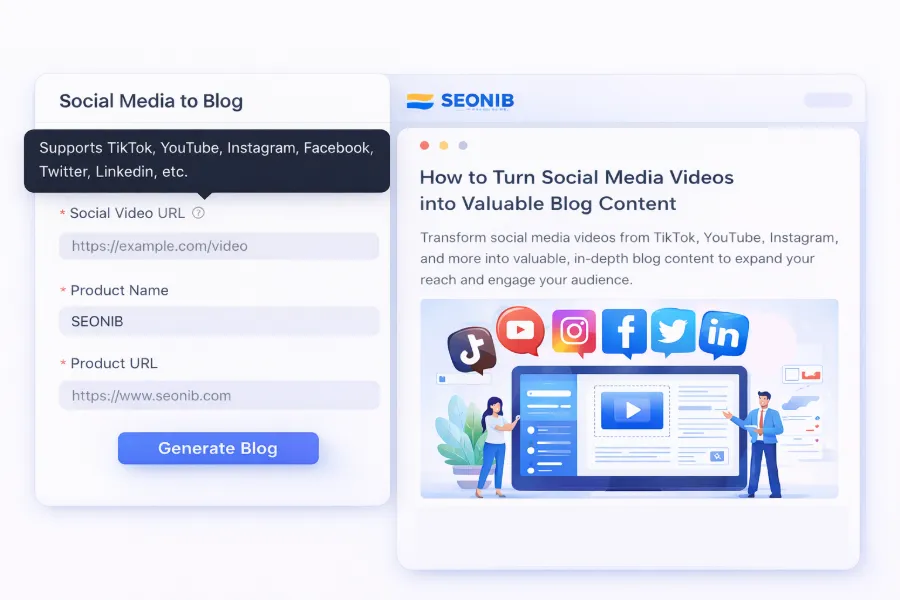
You can even convert hot Twitter or YouTube content directly into blog posts. Check out this case study on turning product links into SEO blogs that continuously attract organic traffic for a full strategy‑to‑content loop.
For batch production scenarios, set up scheduled tasks so SEONIB pulls content from data sources and publishes to multiple sites automatically. See the Batch Publishing · Data Sources guide for details.
A counter‑intuitive finding: the team’s greatest strength isn’t any single Agent’s capability, but the aggregated result after they “debate” each other. Collisions among Agents on the same topic reveal blind spots a single view would miss. For example, a competitor analyst notices traffic on an article, the content strategist says the topic is outdated, and the technical agent points out a structured‑data discrepancy—together they uncover a new direction.
Another lesson: don’t chase 100 % automation. Keep human review at critical decision points—link‑building target quality, brand tone of content, etc. This lets the agents work at double speed without major errors. If you want to solidify the whole workflow, the complete Help Documentation can serve as a reference, forming an automated pipeline from keyword research to content publishing.
FAQ
Q1: Are these agents ready to use out of the box, or do I need to configure many parameters?
The template is ready to use.
Q2: I’m just one person—can I use this system to manage multiple client sites?
Absolutely. Duplicate the workflow for each client, adjust the input variables and product context. I’m currently using this approach to maintain six sites simultaneously.
Q3: How does this agent system differ from just asking ChatGPT?
The core difference lies in structure and division of labor. A director coordinating multiple specialist Agents avoids single‑view blind spots, and the results are reproducible and debuggable. Directly asking ChatGPT usually yields fragmented answers.
Share Article