How to Automatically Generate Tens of Thousands of SEO Pages in WordPress

A few years ago I confidently planned thousands of SEO pages for a WordPress site—six screens of keyword lists, three rounds of competitor analysis, and even pre‑written meta descriptions for each article. I soon discovered that writing a single page manually took two hours, and by the 10th article I was questioning my life. By the 50th, the content started to become repetitive, and I was too lazy to even look for differences. Automation tools sound great, but the real question is: can the system produce meaningful, non‑duplicate, traffic‑generating pages in bulk without me having to log into the WP backend every day?
A site with a hundred pages and one with a thousand pages are completely different organisms in Google’s eyes. Industry data shows that sites with more than 500 pages receive on average 3–5 times the organic search traffic of sites with fewer than 100 pages. The logic is simple: each additional indexed page adds another channel for capturing long‑tail keywords. With only 20 blog posts, the covered search intent is limited to a few core terms; when you scale to 2,000 posts, long‑tail, regional, and scenario variations that competitors haven’t covered start to bring you steady, sustained exposure. Many site owners get stuck at the “can’t write manually” stage—not because they don’t understand the value of scale, but because their stamina can’t keep up with the cognitive demand.
Manually Creating Massive Numbers of Pages — A Physically Impossible Task
After a week of continuous overtime, the rows of drafts in the WordPress editor looked just like my dark circles—dull, exhausted, and lifeless. Manually completing an SEO page takes on average 45 to 60 minutes: writing the body, adding images, filling the meta description, setting internal links, selecting categories, and adjusting formatting. Even if you use ChatGPT to generate a draft, you still have to manually copy it into the WordPress backend, paste each article, check formatting, and tweak SEO parameters. This process hasn’t been simplified much by AI writing.
Producing only 2–3 pieces per day is already the limit. At that rate, filling 200 long‑tail pages would take three months. By the third month, the URLs of the earliest published pages are nearly forgotten by Google deep in the index. Moreover, human sustained output clearly follows a downward curve—by the 30th article the content starts to repeat, and by the 50th even I feel the pages are fighting each other internally. In the end, my site’s authority dropped instead of rising because Google saw not a “content‑rich site” but a heap of semantically overlapping, uneven‑quality pages. The lesson is clear: scale must be achieved within an automated framework, not by brute‑force manual effort.
If you’re still operating entirely manually, you can first check out the Blog Writing Simplification Guide—it will at least help you shave a bit off the time per article. But honestly, solving the scaling problem truly requires a solution at a higher level.
Free Your Hands: Use SEONIB to Handle WordPress Bulk Publishing
When I first connected my WordPress site to SEONIB, I wasn’t sure it could truly skip my manually clicking “publish” in the backend. In fact, you only need to bind it once via the API or the connection guide in the documentation—if you need detailed steps, you can refer to the official manual, the section on How to Connect a Third‑Party Site to SEONIB is reasonably clear—then you can start setting up content sources.
You can use keywords as seed sources, or product links, social content, reference links, or already‑written trending topics. The AI will generate a complete page based on your chosen source—title, body, meta description, featured image—and then publish it directly to the WordPress site you specified. The whole process is much like setting up a content calendar—you decide how many pieces to publish each day and at what times, and the system handles the rest automatically.
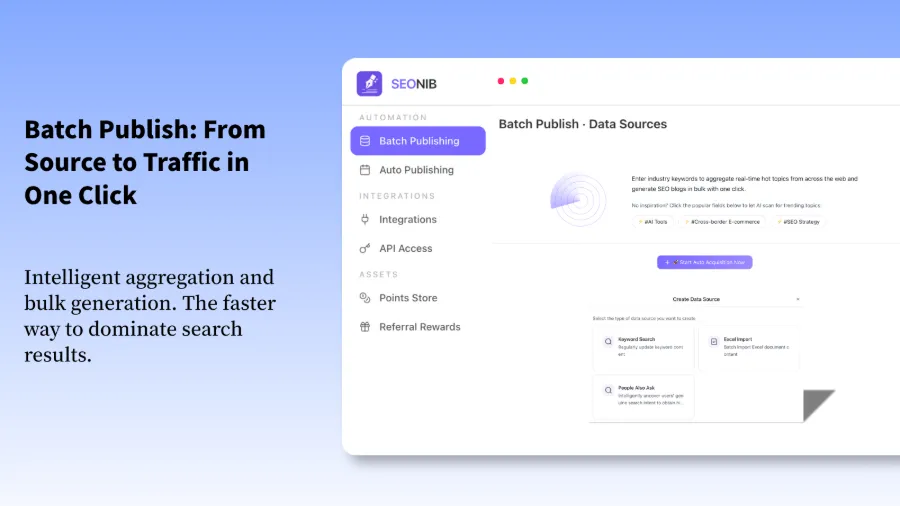
After that setup, I automatically published 10–20 SEO pages per day for several weeks without any manual intervention. The “All Posts” list in the site backend grew at a steady pace—no more waking up at night to refresh the draft box, no anxiety about inconsistent publishing frequency. Crucially, I hardly ever opened the WordPress editor during the whole process. If you want to see how smooth this workflow is, check out the demo video:
The video shows the complete flow: after entering a keyword, the AI automatically generates and publishes to WordPress—going from click to the page appearing on the site takes only a few minutes.
Scalable Content Strategy: Not Just Quantity, but Quality and Coverage
Many people think bulk generation means repeatedly applying the same template, ending up with a bunch of homogeneous, machine‑like pages. In reality, if used correctly, bulk does not equal cheap. The key isn’t “writing a lot,” but “using one template to cover multiple search intents.”
My approach is to first perform keyword clustering: split low‑competition long‑tail terms into 50–100 thematic groups, each with its own content template. For example, a “product comparison” template, a “buying guide” template, and a “FAQ” template. Then the system fills in different data for each group based on their differences. Using reference links combined with templates, a single run can generate 30–100 variations of the same theme.
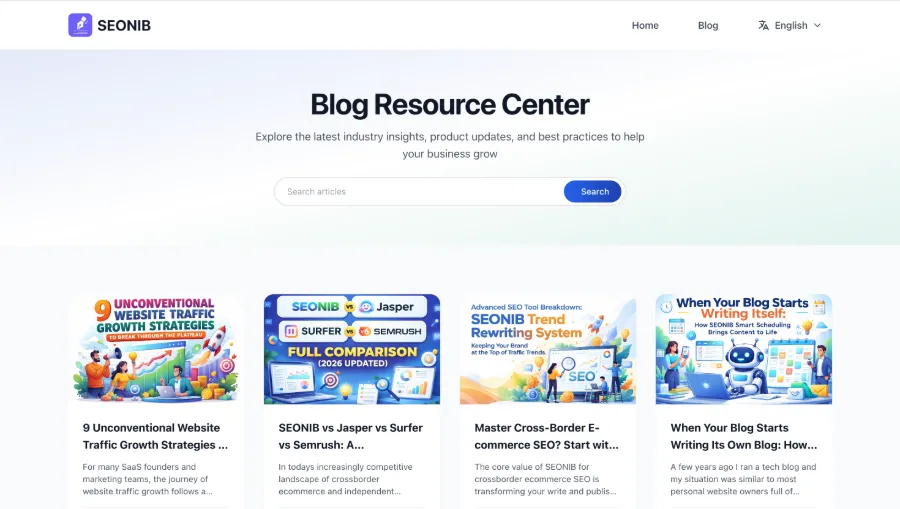
SEONIB supports automatic derivation from various sources: social posts, product links, and reference links can all be directly turned into SEO articles. I use the product‑to‑blog feature most often; you can see the specific workflow in the article Convert a Product Link into an SEO Blog that Continuously Gains Organic Traffic. Additionally, internal link configuration is a detail that requires careful handling—SEONIB can automatically generate internal links and anchor text based on the rules you set, preventing a large number of orphan pages. In my practice, I referred to the Guide: Convert Reference Links to Blog Posts for configuration.
There’s a crucial issue when generating in bulk: if you don’t differentiate search intent, two pages may be seen by Google as the same type of content, causing internal competition for rankings. For example, “best running shoes” and “running shoe recommendations” appear different but have a high semantic overlap. Therefore, when defining templates, you must clarify the core intent differences for each group—this is a pitfall many have fallen into.
If you want to master all configurations systematically, check out the full SEONIB Help Documentation—the sections on content source settings and template management are particularly useful.
Frequently Asked Questions
Q1: Will generating a large number of pages in bulk be considered low‑quality content by Google?
It can, but it doesn’t have to. The key is whether the content offers differentiated value. If 30 pages all share the same template with only keyword substitution, Google can easily identify them as machine‑generated bulk output. However, if you embed different data anchors in each template—such as specific specifications, usage scenarios, or comparison dimensions—Google won’t lower rankings simply because the content is AI‑generated; it looks at whether the page truly answers the user’s search intent.
Q2: Can SEONIB automatically handle WordPress internal links and anchor text?
Yes. When setting up content templates, you can configure global internal link rules and anchor text strategies. SEONIB will automatically insert internal links according to those rules when generating pages. However, there’s a prerequisite: you need to spend time upfront designing the internal linking structure—deciding which pages should link to each other and how to prioritize them. Automation works only when the rules are clear; the more ambiguous the rules, the less consistent the internal linking results.
Q3: If my WordPress site doesn’t have a plugin installed, can I connect directly to SEONIB?
Yes. SEONIB can connect via WordPress’s built‑in API without any extra plugins. Simply generate an API credential in your WordPress admin backend and enter it into SEONIB’s site binding settings. The whole process takes about five minutes.
Q4: How long does it take to generate thousands of pages? Will the content be duplicate?
The initial generation of a thousand pages typically takes 2–4 days, depending on the publishing frequency and daily volume you set. You can control a pace of 10, 20, or even faster per day. Regarding duplication: as long as your seed sources aren’t identical text, the system won’t produce completely duplicate pages. However, you must avoid the semantic overlap I mentioned earlier—that’s something you need to resolve manually during the keyword grouping stage.
Q5: Can I manually preview and edit before publishing?
Yes. SEONIB allows you to preview content before publishing, and you can manually adjust titles, body text, or metadata. However, if you plan to preview all thousand pages individually, you’ll fall back into the manual‑mode trap. I usually preview only the first 2–3 pages of each thematic group; once the template output looks correct, I let the system publish the rest automatically.
Share Article